How to Build a Batch Image Workflow (Save Hours Every Week)
Learn how to build a high-efficiency batch image workflow. Automate image resizing, compression, conversion, and optimization to save hours of manual work every week.
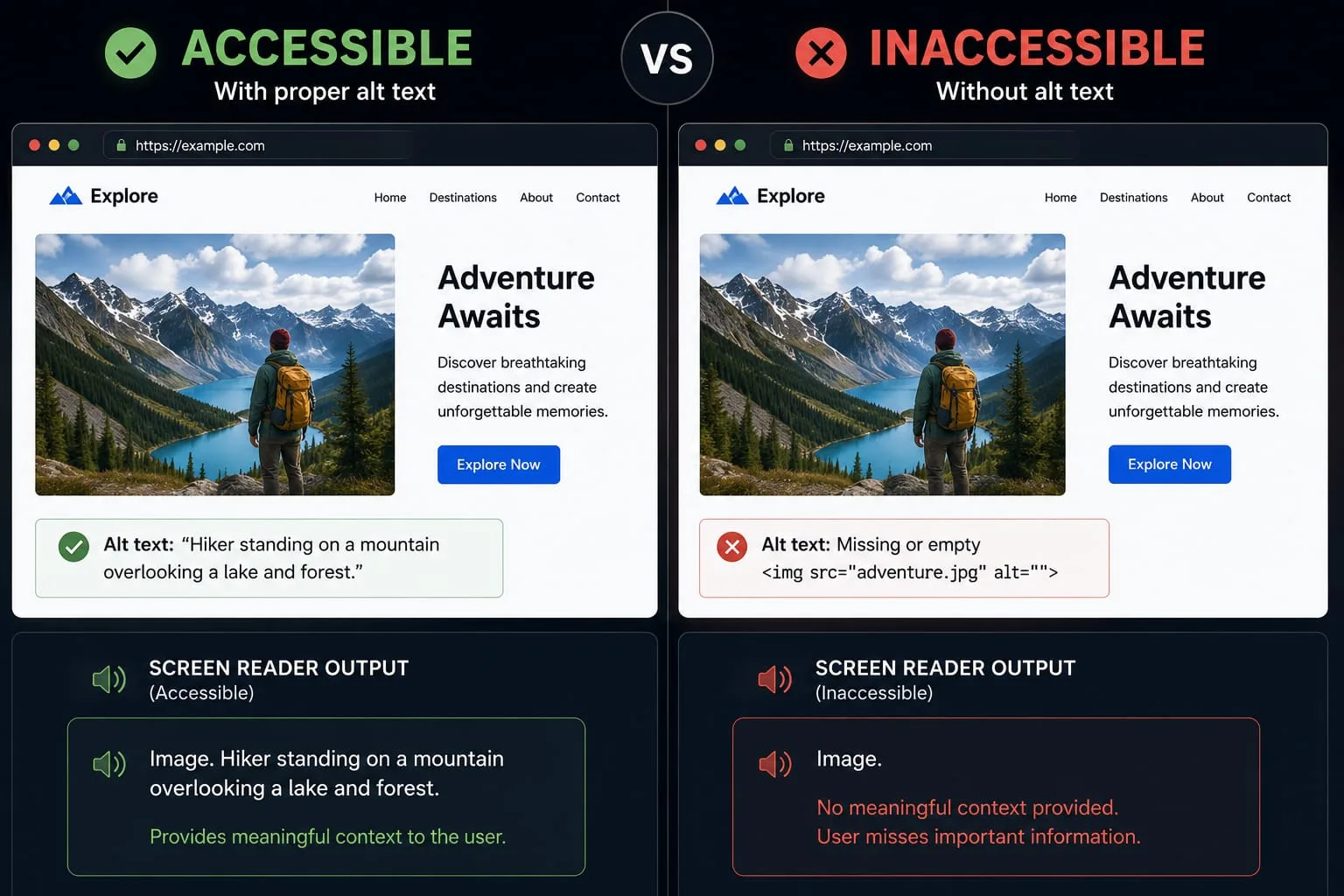
Image optimization, SEO, compression, metadata, image formats, web performance and image editing guides.
Showing page 2 of 2

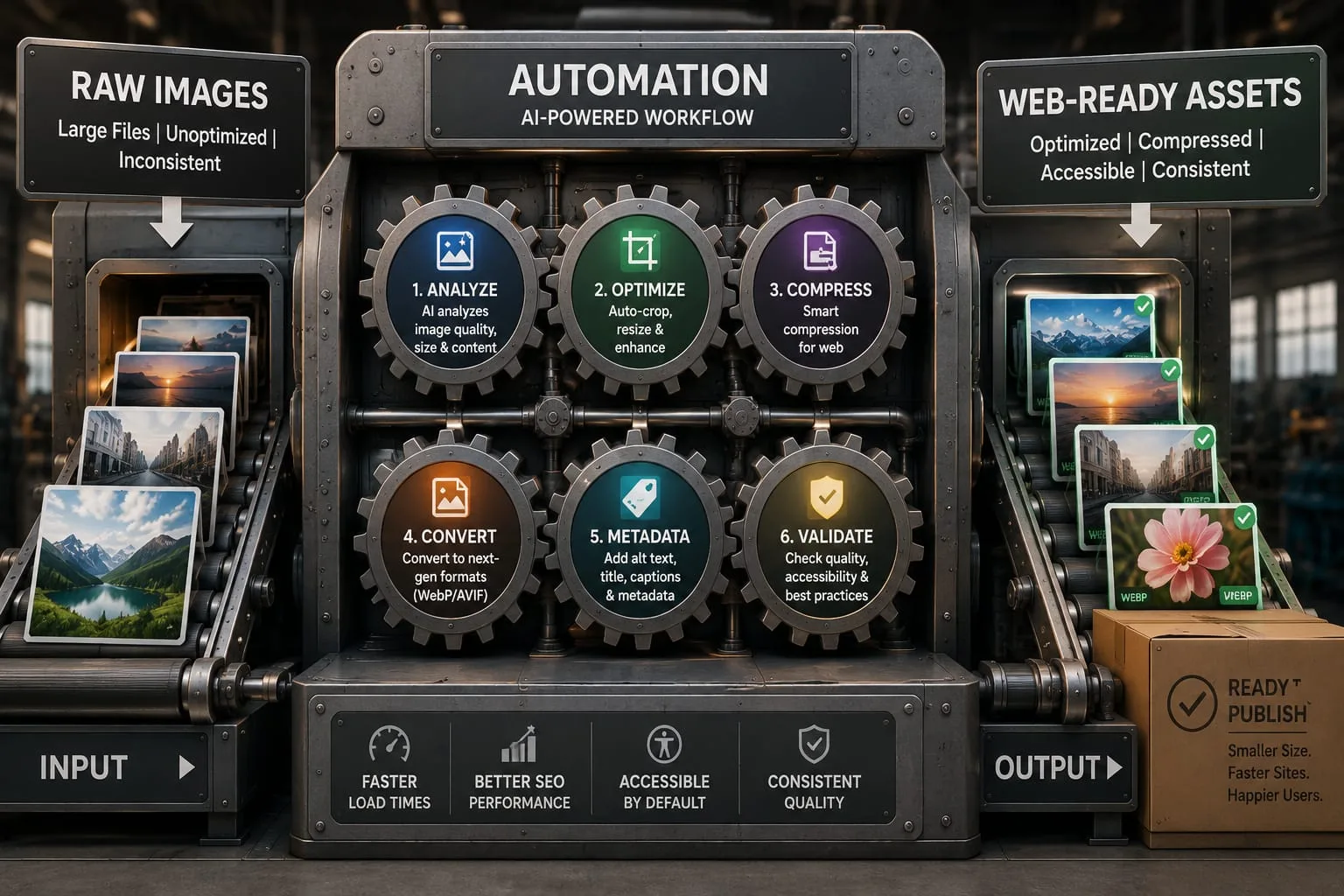
Learn how to build a high-efficiency batch image workflow. Automate image resizing, compression, conversion, and optimization to save hours of manual work every week.

Learn how to make your images WCAG accessible. From alt text best practices to contrast ratios — meet web accessibility standards with our practical guide.

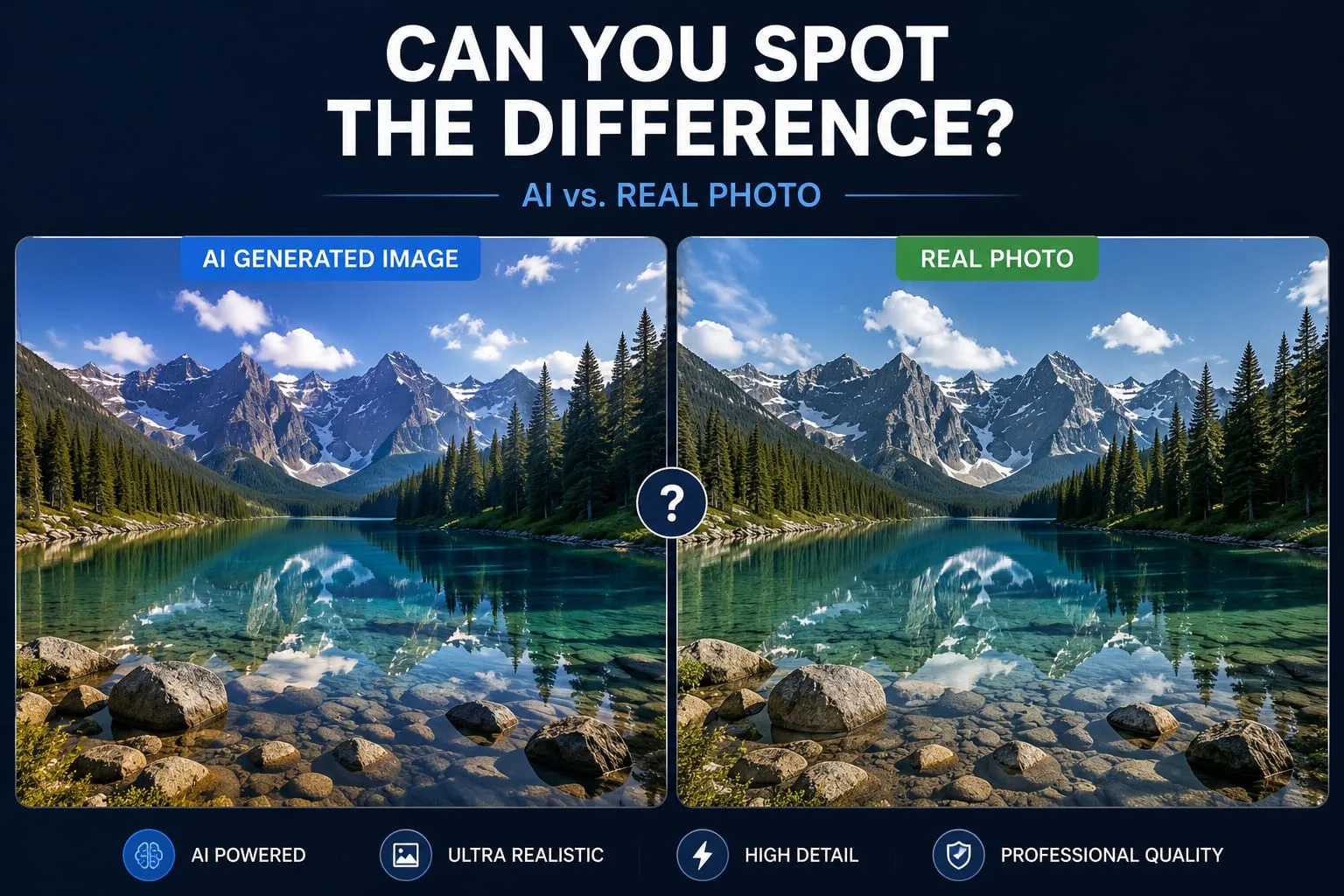
Learn how to detect AI generated images with our free guide. From spotting visual artifacts in Midjourney images to using detection tools — spot AI images every time.

Struggling with a low PageSpeed score? Learn how to optimize images for Google PageSpeed Insights, fix common warnings, and boost your LCP with our complete guide.
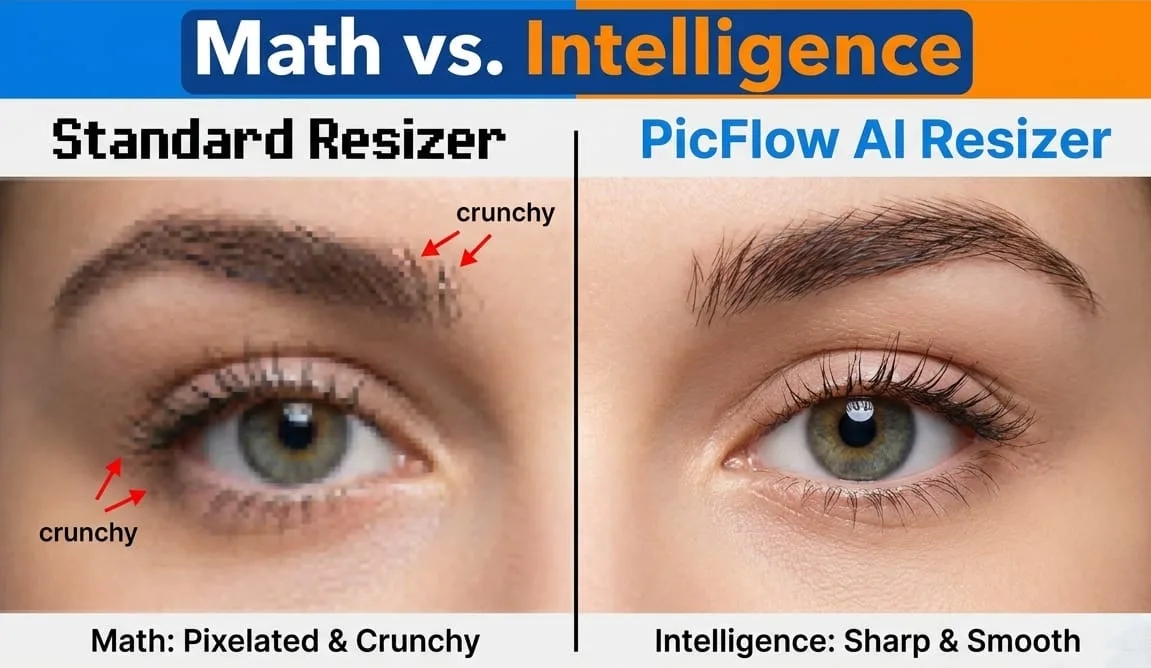
Tired of blurry photos? Learn how to resize images without losing quality using AI. Whether downscaling for web or upscaling low-res shots, we've got you covered.

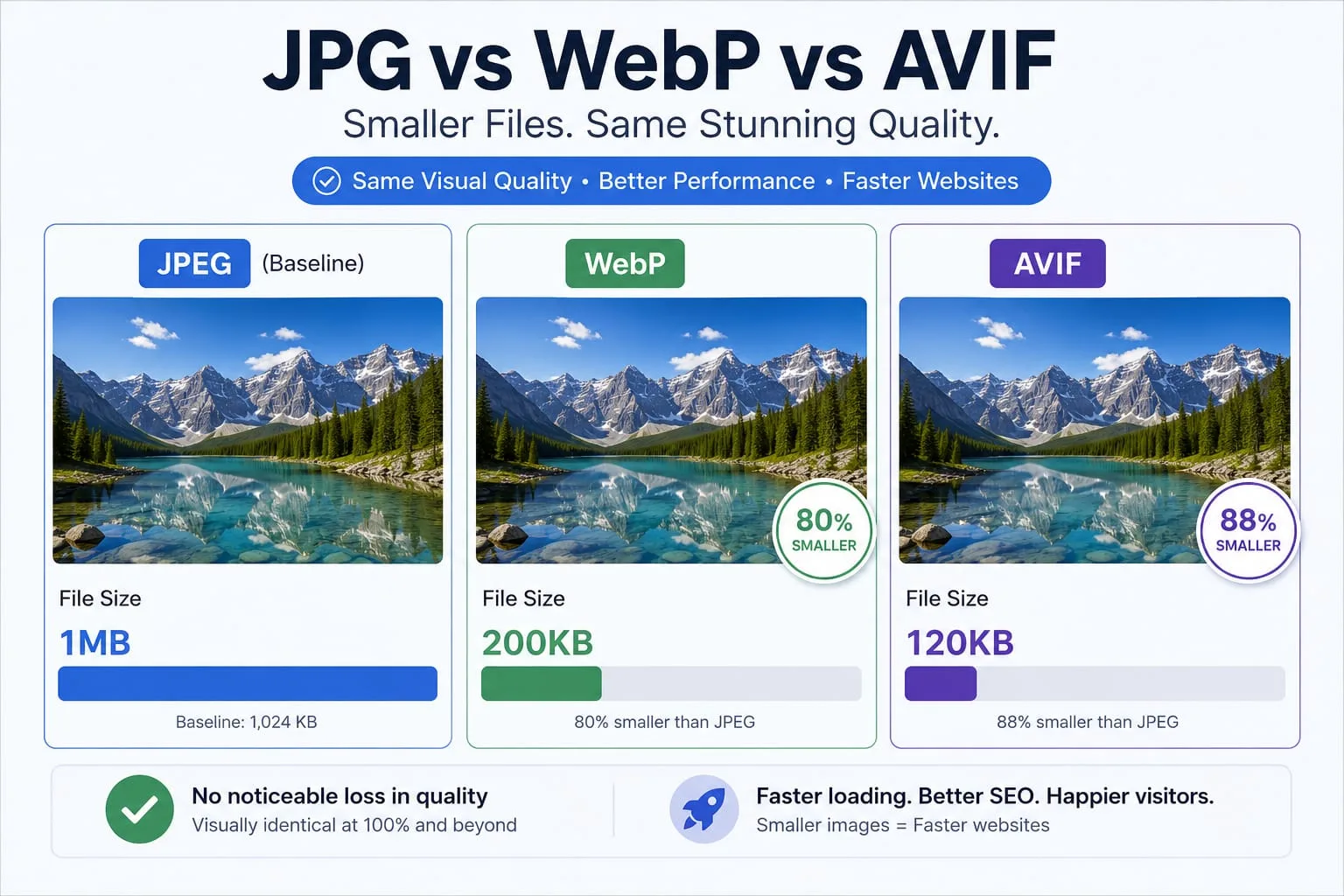
Learn how to compress images for faster websites without losing quality. Improve your SEO, Core Web Vitals, and user experience with our ultimate guide.
Learn the best image sizes for Facebook, X, LinkedIn, WhatsApp, Instagram, and YouTube. Resize, crop, preview, and export social images online with PicFlow AI.
Learn what HEIC files are, why iPhones use them, when to convert HEIC to JPG or PNG, and how to convert HEIC files online quickly with PicFlow AI.
Learn how to test image loading speed, estimate load time on 3G, 4G, and broadband, and fix slow images before they hurt user experience or Core Web Vitals.
Learn how blur placeholders, Base64 placeholders, dominant color placeholders, and LQIP images improve perceived loading speed. Generate placeholders online with PicFlow AI.